

Online Security 201: Credentials
In Part 2 of our Online Security series, we’ll talk about how to best manage your online credentials.
As we all know, the internet can be a dangerous place. Hackers and scammers are constantly looking for opportunities to steal personal information. That’s why it’s important to be diligent about managing your online credentials.
Password Managers
Section titled “Password Managers”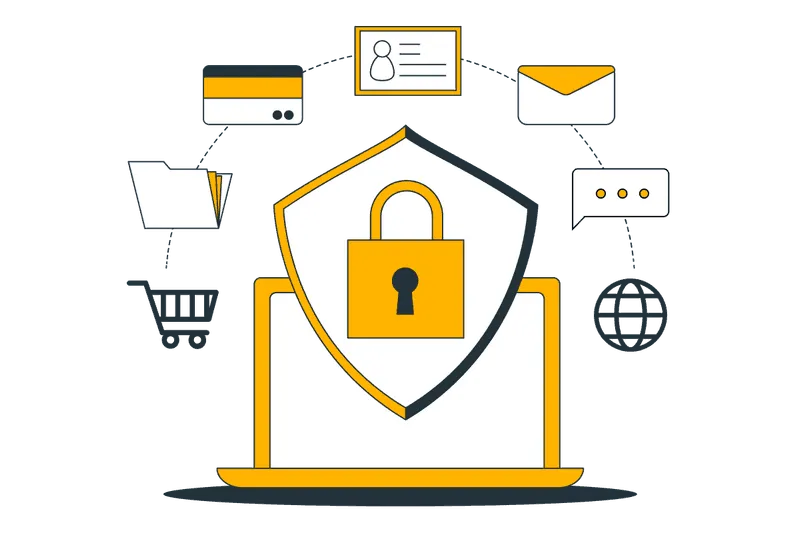
One of the best ways to protect your credentials is to use a password manager. A password manager helps you create and manage strong, unique passwords for all of your online accounts.
It’s important to use a different password for every account, and a password manager makes it easy to keep track of them all.
Beyond simply generating passwords, most password managers include several security features to help keep your credentials safe:
- Two-factor authentication (2FA): Adds an extra layer of security by requiring a second authentication factor (usually generated by an app on your phone) in addition to your password. This makes it much harder for attackers to access your accounts. Some password managers include this feature for free, while others require a paid plan.
- Local encryption: Stores your passwords in encrypted form so that even if someone gained access to the password manager’s servers, they wouldn’t be able to read your vault.
- Password strength checker: Evaluates the strength of your passwords and flags weak ones. Some services also compare your passwords against databases of known compromised passwords and alert you if one has been exposed in a data breach.
- Automatic logout: Signs you out after a period of inactivity, preventing someone with access to your device from opening your password vault without your master password.
- Password sharing: Many password managers offer family or team plans that let you securely share credentials with others—perfect for shared streaming accounts or household logins.
Site-Specific 2FA
Section titled “Site-Specific 2FA”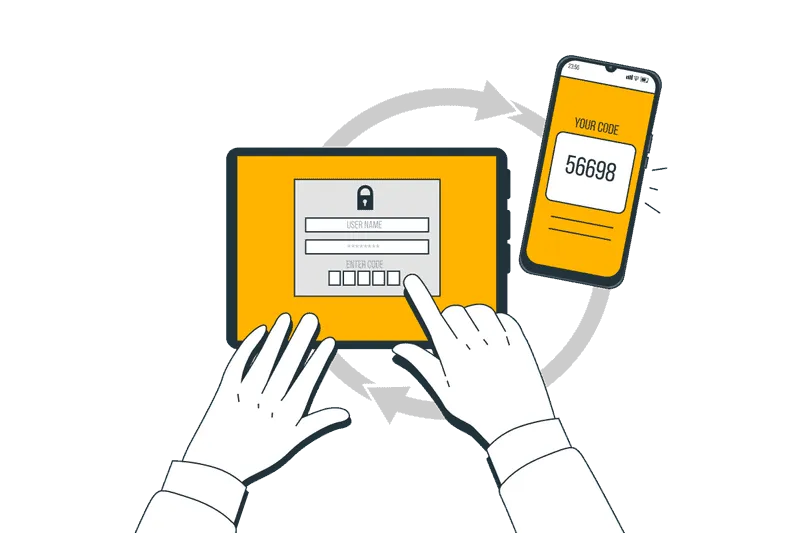
Since not everyone uses a password manager, many websites implement their own two-factor authentication (2FA). If you’re given multiple authentication options, some methods are considerably more secure than others.
Listed roughly from least secure to most secure:
- Text/SMS: Despite being the default option at many financial institutions, SMS is one of the weakest forms of 2FA. Attackers can perform SIM-swap attacks by convincing a carrier to transfer your phone number. While carriers have improved their protections, stronger options are available.
- Email: If you use Gmail, Google’s security systems provide sophisticated protections to verify account ownership. When combined with 2FA and a verified recovery method, email-based authentication can offer solid security.
- Authenticator apps: Apps such as Google Authenticator or Authy generate one-time passcodes specifically for each website, making them significantly more secure than SMS.
- Security keys: Physical security keys (following the U2F/FIDO standard) provide one of the strongest forms of authentication. Unlike authenticator apps, websites never receive your secret key—they only verify cryptographic proof that you possess it. Even if a website is compromised, your security key remains protected.
Redundancy
Section titled “Redundancy”Strong security is only helpful if you can still access your own accounts.
Think about redundancy across different mediums.
Do you have a backup email if you lose access to your primary account? Have you saved your recovery codes offline? If you use security keys, consider registering two keys and storing one in a secure location such as a safe.
Planning for account recovery before something goes wrong can save a tremendous amount of stress later.
Conclusion
Section titled “Conclusion”By following these practices, you can dramatically improve the security of your online accounts. While no system is completely foolproof, using strong passwords, enabling robust two-factor authentication, and maintaining secure backups significantly reduces the likelihood of compromise.
And if something does go wrong, these precautions greatly improve your chances of regaining access while minimizing the damage.